Get fit explanation from ai job matching fast
Developers know the grind all too well: applying for role after role, often without a genuine sense of how well the position fits their unique background, ambitions, and needs. The result? Wasted hours tweaking resumes and portfolios, followed by the frustration of mismatches that could have been detected early. Traditional job-matching tools, with their rigid keyword scanning and surface-level filters, offer little comfort—they miss the complex layers of a developer’s journey, aspirations, and actual fit.
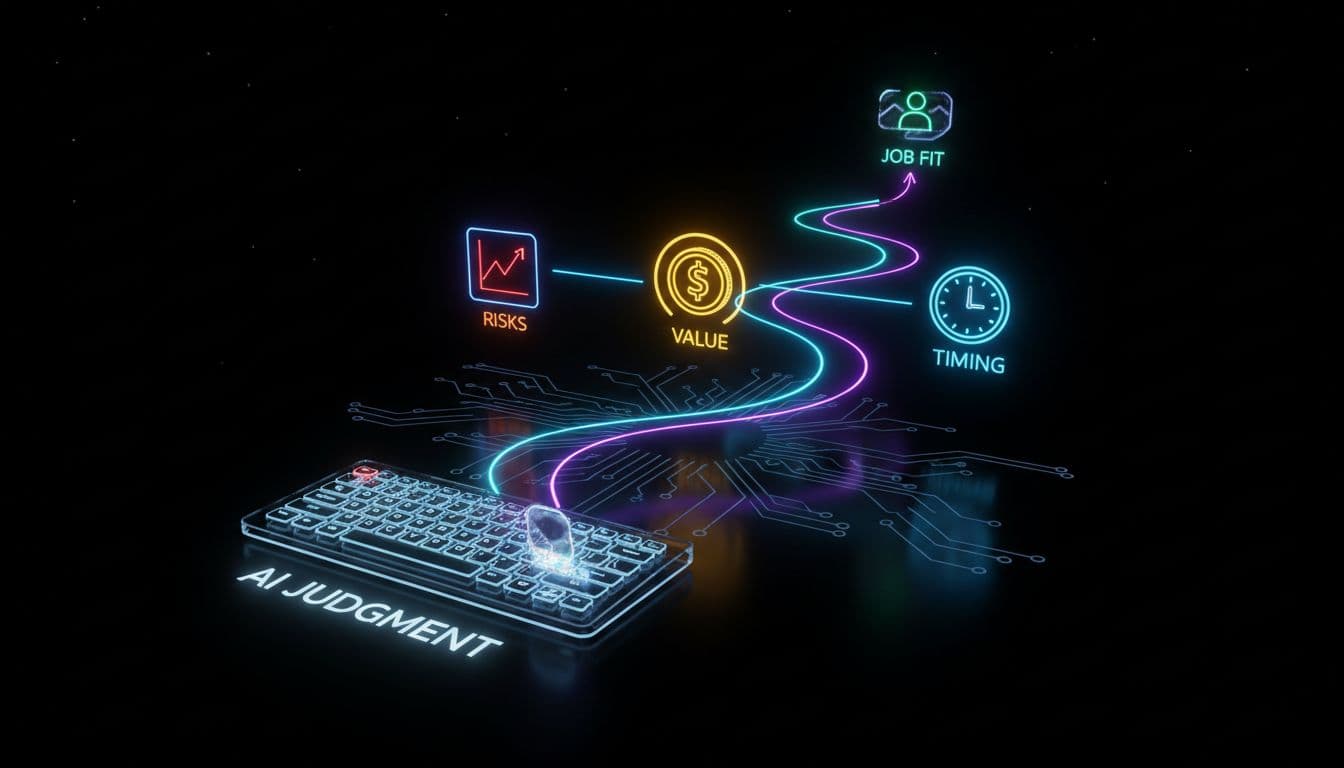
This is where the game evolves. Instead of generic listings and opaque “recommended jobs,” tools like the WorkorAI Career Agent serve up explanations that are both nuanced and actionable. No more guessing games or black-box matches: developers now access context-rich fit assessments, targeted risk signals (Risk Radar), and step-by-step positioning guides—all right inside their favorite AI agent environments. This article unpacks how every developer can wield WorkorAI to gain instant insight into job fit, proactively spot risks, and strategically present themselves, transforming the job search from a lottery into a science.
Why “Fit Explanation” is a Breakthrough in AI Job Matching
Generic job boards may be the “assembly lines” of job search, but they rarely deliver truly relevant matches—especially for technical talent. The contrast between legacy portals and agentic, AI-powered matching is night and day: where the former pushes quantity, the latter delivers specificity and context.
WorkorAI Career Agent brings clarity to the fore. Instead of “do your keywords match?”, developers receive detailed fit explanations rooted in their complete career context. The system leverages data from the WorkorAI Talent Profile—skills, tech stack, seniority, salary preferences, goals, remote work readiness, even timezone compatibility—to generate a fit narrative. The result: every recommendation comes with transparent reasoning. The developer doesn’t just see that a position might suit them; they see why, broken down by stack alignment, trajectory match, and lifestyle fit.
Risk Radar: See the Red Flags Before You Apply
Risk Radar flips the script on painful surprises. Traditionally, devs apply first and discover “dealbreakers” later: perhaps the actual salary band is misaligned, the stack requires unproven skills, or the role’s timezone would turn meetings into midnight marathons.
With Risk Radar, risks surface up front. The developer, operating in their preferred AI agent—be it Claude, Codex, Cursor, Gemini, or another—gets an instant breakdown of potential mismatches and red flags. For instance, if a senior backend engineer sees that an exciting FinTech opening is heavy on frontend frameworks but light on backend autonomy, that gap is highlighted before they spend a single cycle applying. The impact: less wasted energy, smarter targeting, and a higher hit rate of interviews that actually make sense.
Positioning Angle: Your Secret Weapon for Standing Out
Standing out is rarely about louder self-promotion but about smarter, more targeted positioning. Enter Positioning Angle—a signature capability of the WorkorAI Career Agent. It delivers concrete, AI-informed guidance tailored to each job opportunity: Should you spotlight your React experience or emphasize API design? Would a note about open-source contributions tip the scales, or does the employer prize domain expertise above all?
Compared to the era of “cover letter templates” and generic LinkedIn advice, Positioning Angle is refreshingly modern. Developers get practical nudges: adjust your GitHub highlights, shift your stack emphasis, or tailor your motivation framing—precisely tuned to what the target employer values most, all reachable within your daily AI workflow. For a deep dive into agentic job search dynamics, see AI Agent vs Job Board: 5 Ways WorkorAI Helps Developers.
How It Works: Plugging WorkorAI Into Your Agentic Workflow
Getting started is refreshingly straightforward. Just run the install command for WorkorAI Career Agent in your chosen AI agent environment—Claude, Codex, Cursor, Gemini CLI, Copilot, Antigravity, OpenClaw, or any compatible system. A secure Model Context Protocol (MCP) governs access: your real, up-to-date WorkorAI Talent Profile is tapped for context, but only structured, necessary data is made available, preserving privacy and integrity.
From there, the workflow is seamless. The AI agent finds a relevant job; in seconds, it applies your career context, returning a three-part result: clear fit explanation, Risk Radar warning (if any), and a Positioning Angle. This all happens in your coding workspace—no need to juggle tabs or templates. For real-world setup guidance, check Agentic Job Search: How an AI Agent Finds Developer Roles, Not Just “Keywords”.
The Bottom Line: From Guesswork to Informed, Contextual Decision-Making
Summing up, agentic job matching is a leap forward for developers. It means ditching guesswork and generic advice in favor of informed action. Instead of sending resumes into the void, you gain:
- Faster, smarter career moves: Prioritizing only the best-fitting roles.
- Efficient filtering: No more “lost in translation” conversations with non-technical recruiters.
- Personal empowerment: You own the narrative, you see the risks, you decide the strategy.
As developers seek not just jobs, but growth journeys, the Career Agent sets the stage for a new era. For more insights into optimizing your tech profile, visit AI Career Agent: How WorkorAI Saves Your Profile, Now.
FAQ
1. What makes WorkorAI’s fit explanation different from regular job-matching tools?
WorkorAI Career Agent explains why a role makes sense for you, highlighting how your stack, goals, and profile fit—plus where there are mismatches—providing transparency, not just a yes/no.
2. How does Risk Radar help me avoid bad-fit jobs?
Risk Radar reveals issues like salary gaps or skill mismatches before you waste energy applying, saving you frustration and helping you focus on roles with strong alignment.
3. Can I use WorkorAI with my existing AI coding agent or assistant?
Yes—after running the install command and connecting with your MCP key, your career agent will work in popular AI agent environments like Claude, Codex, Cursor, Gemini, Copilot, OpenClaw, and others.
4. What’s the Positioning Angle for, and how is it different from regular advice?
Positioning Angle is context-aware, tailored guidance from the career agent—helping you present your profile for each role based on real requirements and your unique strengths, not generic tips.
5. Is my personal data safe when using WorkorAI in my AI agent?
Absolutely. The Model Context Protocol only shares structured, relevant career data with your local AI agent, never exposing your raw profile or sensitive information.
In the new era of agentic job search, developers no longer settle for cryptic matches or generic advice. Equipped with transparent fit explanations, proactive risk insights, and tailored positioning strategies, you’re empowered to make smarter career decisions and shape your own path. By integrating WorkorAI Career Agent with your personal AI agent, you transform uncertainty into clarity—and turn every job search into a strategic opportunity.
Level up your job search with WorkorAI Career Agent—get instant fit explanations, Risk Radar, and Positioning Angle right in your favorite AI agent workspace. Ready to make smarter decisions? Run the install command, connect your profile, and experience agentic job matching designed for developers. Try it today and see the difference in your next career move!