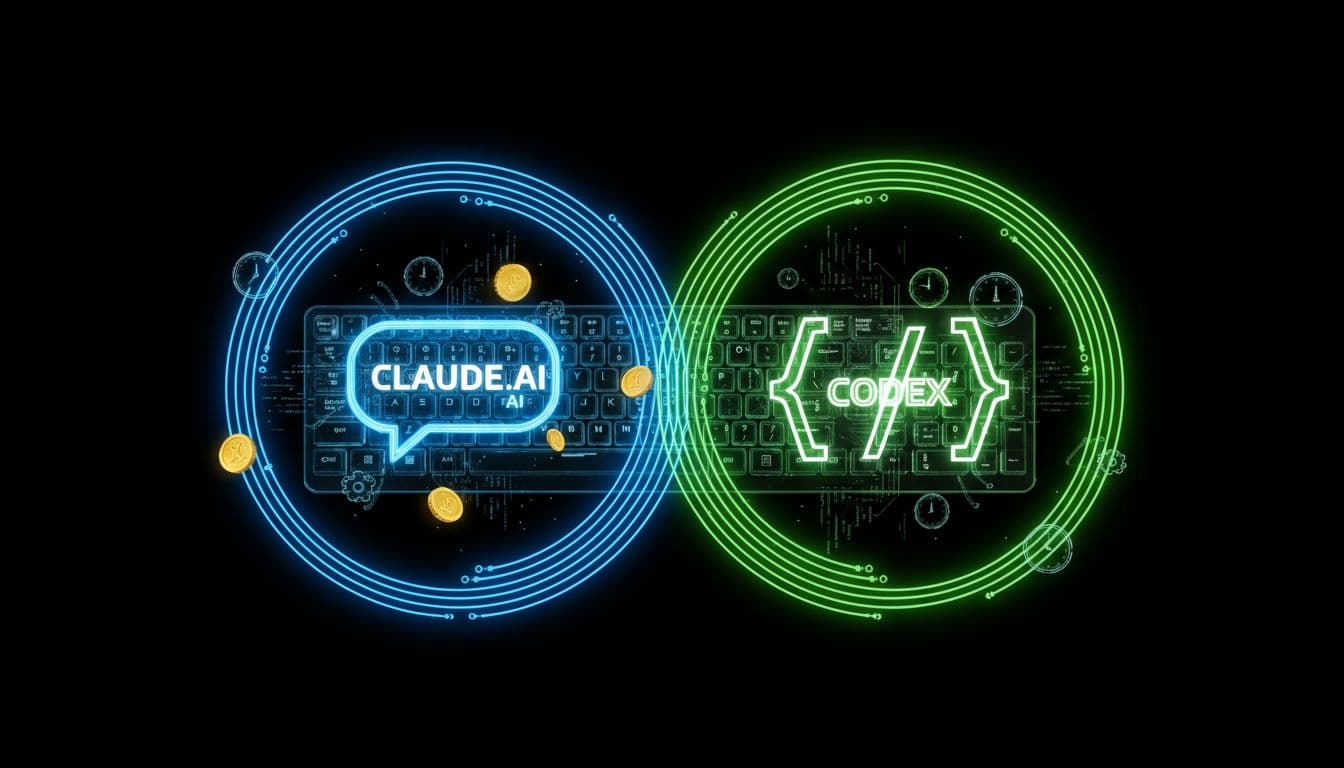
Codex and Claude in your ai workflow with mcp
Modern developers have rewired their daily toolkit. Today, AI-driven assistants like Codex and Claude feel as natural as the coffee mug next to the keyboard: they autocomplete, refactor, and illuminate codebases on demand. But when developers turn from their code to tackle career moves, the flow grinds to a halt. Job boards sprawled across tabs, endless sign-ups, and interviews that don’t speak “developer”—this is the career maze many still navigate.
This fragmentation isn’t simply inconvenient; it’s a break in an otherwise seamless, context-rich workflow. The question is direct: if technical growth is so agentic and in-flow, why should career growth feel stuck in slow motion? Enter the Model Context Protocol (MCP), which lets the WorkorAI Career Agent integrate natively into the AI agent environments developers use daily. No more profile rebirths or browser detours—just proactive, personalized career navigation happening in the same coding workspace where developers already excel.
In this article, see how the synergy of Codex, Claude, MCP, and WorkorAI transforms job search from a manual, siloed hustle to a seamless, real-time opportunity assessment—anchored in your developer context, and tuned for your ambitions.
Explore more about WorkorAI.
The AI Workflow Revolution: Why Context is King
The New Normal: Developers and AI Coding Agents
AI agents are now as familiar as keyboard shortcuts—generating scaffolding, fixing legacy cruft, and even suggesting architectural upgrades in real time. In this environment, personalization is the rule, not the exception: Codex knows your stack; Claude adapts to your project quirks. Yet, when it comes to building a career, even the most advanced developer faces the friction of context switching.
Career building, as it stands, takes place in disconnected apps, form-heavy portals, and job feeds that know little about what you actually build or how you like to work. The pain is acute: developers have grown used to frictionless, precise automation in their code, and expect the same from their career agents. Why fill out another résumé when your AI code agent already knows what you ship?
Meet MCP – The Model Context Protocol’s Role
Here’s where the Model Context Protocol (MCP) stands out. MCP is the secure handshake that lets personal AI agents (inside Codex, Claude, or tomorrow’s tool) directly access your WorkorAI Talent Profile—skills, tech stack, region, compensation needs, even nuanced career goals.
Think of MCP as the VPN between your professional context and the agents you trust: with a single, revocable key, you decide when your agent sees your latest achievements, skills, or work preferences. Suddenly, that generic AI chat morphs into a “career-aware” partner—surfacing right-fit roles, analyzing gaps, and highlighting growth paths without you leaving your IDE. MCP wipes out the last vestige of “silo” thinking—linking the technical and career sides of the developer experience into a unified workflow.
For more on how agentic workflows are redefining job search, see AI Agents vs Job Boards: 5 Ways WorkorAI Helps.
Codex + Claude: Career-Aware Agents in Action
What Changes for Developers?
Previously, Codex or Claude could supercharge your pull requests but offered only generic places to drop your job questions. Real insight into your actual fit for a role, let alone personalized career momentum, meant another app, another form, another break in flow.
With the WorkorAI Career Agent installed via MCP, things change fundamentally. Now, in your daily tools, your career agent evaluates roles, flags opportunities, and identifies skill gaps—always contextualized to your authentic developer profile. No more wrestling with sign-up flows or email ping-pong.
Example Workflow
- Launch Codex or Claude, as usual.
- Install the WorkorAI Career Agent with a single command.
- Unlock contextual intelligence by entering your MCP key.
- Instantly, role fit, salary benchmarks, and career insights appear right in your coding environment; no browser gymnastics needed.
| Before: | After (with MCP + WorkorAI Career Agent): |
|---|
| Generic code-focused AI | Career-aware agent in your editor/CLI/IDE |
| Job search = websites | “Is this role right for me?” = 1 command |
| Rebuild profile often | Syncs to your WorkorAI Talent Profile |
For an in-depth look at how AI job search agents outperform traditional job boards, check Agentic Job Search: How an AI Agent Finds Dev Roles.
Integrations: Getting Set Up in Codex and Claude
Setup is fashioned for the developer mindset: minimal, private, non-intrusive. Both Codex and Claude treat the WorkorAI Career Agent as a first-class extension—only this time, instead of parsing a static résumé, your agent sees the real context from your WorkorAI Talent Profile.
Your MCP key is the master pass—authorize once, and your preferred AI agent gains just-in-time access to the insights it needs to transform career exploration into a context-rich, agentic process.
Checklist for Getting Started
Curious how prompt-based matching fills the gap that legacy job boards leave? Read Active Search: How AI & Prompting Make Smart Dev Job Matches.
FAQ
Question: How does MCP keep my career data secure in tools like Codex or Claude?
Answer: MCP uses authentication keys to grant access only to authorized agents. This ensures your career data remains private and under your control at all times.
Question: Can I use WorkorAI Career Agent in both Codex and Claude?
Answer: Absolutely. Your MCP key is portable—use it with any tool supporting MCP, enabling unified, seamless integrations.
Question: What does “career-aware agent” actually mean in practice?
Answer: It means your agent intelligently matches opportunities to your profile, flags skill gaps, and surfaces relevant roles, all tailored to your real context.
Question: Do I need to create a new profile for every agent?
Answer: Not anymore. Your WorkorAI Talent Profile serves as your unified, up-to-date context that supported agents can access via MCP.
Question: Can I revoke access to my MCP key if I switch agents or want to pause?
Answer: Certainly. Full control is yours—revoke or rotate your MCP key at any point to instantly update who can see your career data.
Integrating MCP, Codex, and Claude into your workflow isn’t a mere convenience boost—it’s a leap toward intelligent, frictionless, and genuinely personal career navigation. With WorkorAI Career Agent, your editor becomes the command center not just for code but for proactive, informed, and strategic job search. No more disconnected tools, no more second-guessing; just your ambitions, in sync with your workflow.
Ready to bring career intelligence into your AI workflow? Sign up for your WorkorAI Talent Profile, generate your MCP key, and install the WorkorAI Career Agent in Codex or Claude today. Experience what it’s like when your personal agent navigates career opportunities as nimbly as it navigates your codebase. The next step in developer autonomy is just one command away!